✨ MotionForge
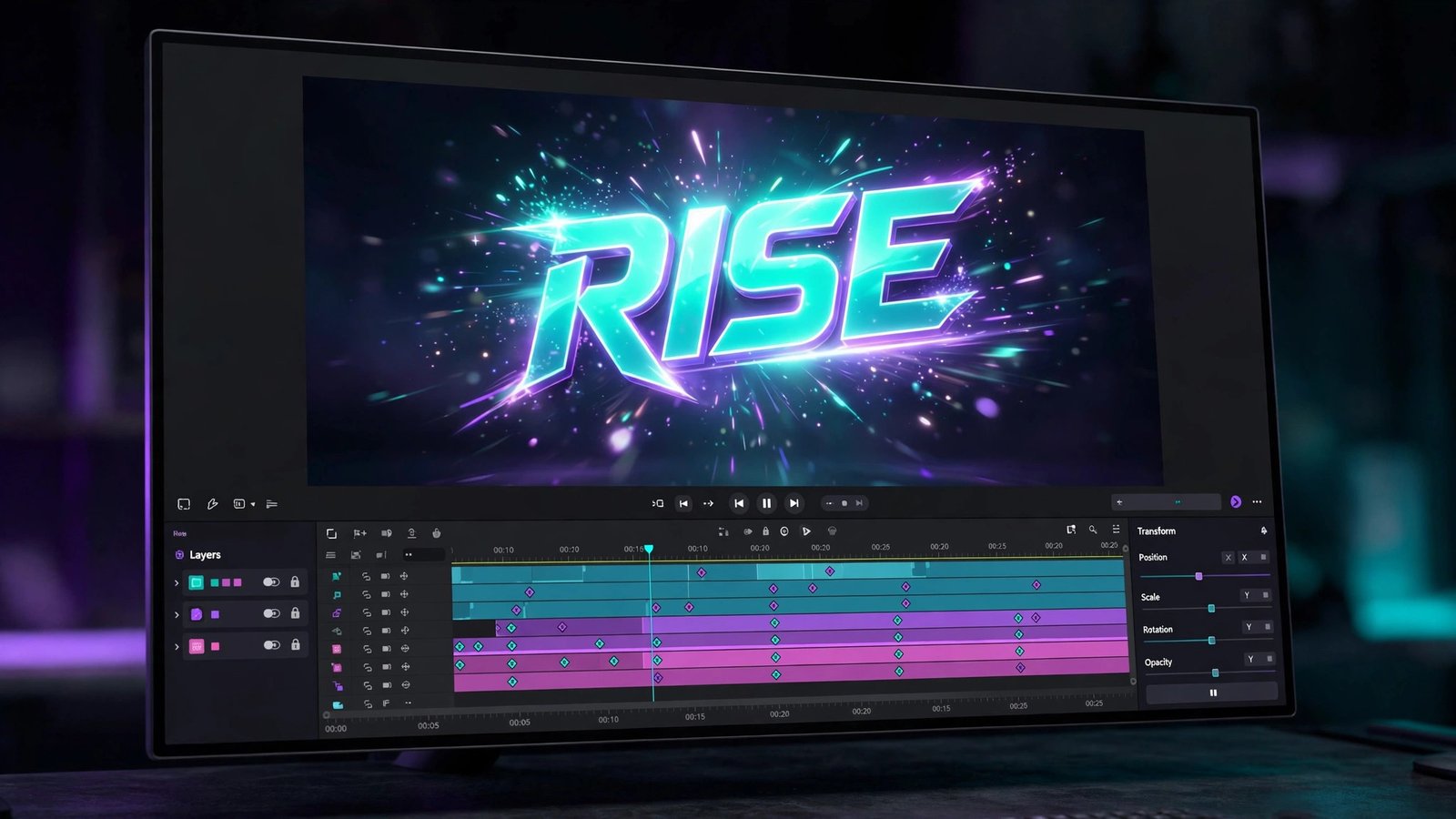
REPLACES ADOBE AFTER EFFECTS for one price.
Real motion graphics in your browser, without the subscription. Build animated titles, lower thirds, logo stings and social intros on a composition timeline — keyframe position, scale, rotation and opacity with easing, dress layers with blur, glow and drop shadows, mask them, and export a finished MP4 or WebM, rendered on your own machine from the same math the preview shows you.
$39 one-time. No subscription. Yours forever.
Already bought it? Log in to open the studio.
What it does
- A composition timeline. Layers — text, shapes, images, video and solids — stacked in z-order with in/out points, visibility and lock; a playhead you can scrub, frame-accurate timecode, and compositions at 1920×1080, 1280×720, square 1080×1080 or vertical 1080×1920, at 24, 25, 30 or 60 fps.
- Keyframed animation with easing. Position, scale, rotation and opacity each take keyframes, interpolated with your choice of easing — linear, ease in/out, cubic, back, bounce and elastic — so a move can snap, settle or overshoot exactly the way you set it. Keyframes are editable on the timeline, not hidden in a panel.
- Text animation presets. Fade, slide, typewriter, pop and rise: one click writes the keyframes for a text layer, and every keyframe it writes stays editable afterwards — presets are a starting point, never a lock-in.
- Effects and masks. Per-layer blur, glow, drop shadow, brightness, contrast, saturation and hue — plus rectangular and elliptical masks (with invert) that clip a layer to a shape. All of it renders identically in the preview and the export, because both draw through one shared renderer.
- Starter templates. Title cards, lower thirds, logo stings and social intros: load one, swap the words and colours, and it is yours. Templates are ordinary compositions — every layer and keyframe in them is editable.
- Your media never uploads. Files live in your browser's own storage (IndexedDB); editing and export happen on your device. Projects autosave locally, and a project exports/imports as JSON with media relinked by name, duration and size.
- Real exports. MP4 (H.264) or WebM at 720p, 1080p, square or vertical, with a progress bar and cancel. When the fast WebCodecs path is unavailable, a clearly labelled real-time capture path is used instead — and the export line always reports the dimensions and codec actually produced.
Product facts
NEW Beta Web
- Price: $39 one-time · Browser tool
- Version: 1.0.0 · Released 2026-11-14
- Verified platforms: Web
- System requirements: Web — any modern browser
- Privacy: Your media and projects never leave your browser: files are stored in the browser's own IndexedDB storage on your device, editing and export run locally, and CertSight's servers store no MotionForge media or project data at all.
- Known limitations: No 3D layers or 3D camera; no node-based effects graph (effects are per-layer, not nodes); no particle systems; no motion tracking; no rotoscoping; no expressions or scripting; no neural/AI features (no auto-animation, no content-aware fill); no audio tracks — compositions are silent, add sound in an editor afterwards; no collaborative editing; no .aep project import; export is a fixed-frame render at 720p, 1080p, square or vertical presets and the fast WebCodecs path needs a browser with WebCodecs, otherwise a labelled real-time capture path is used; projects live in one browser's IndexedDB — moving one means exporting its JSON and relinking media by name, duration and size, and a different file with the same name, duration and size would relink wrongly.
What MotionForge does not do — stated plainly
- Not After Effects. No 3D layers or 3D camera, no node-based effects graph — effects here are per-layer. No particle systems, no motion tracking, no rotoscoping, and no expressions or scripting.
- No AI features. No auto-animation, no content-aware fill, no magic anything. Every move on the timeline is one you made or one a preset wrote for you.
- No audio. Compositions are silent — MotionForge animates pictures, not sound. Add music or voiceover in a video editor afterwards; ResolveForge is the sibling for that.
- Not a video editor. ClipForge records, ResolveForge cuts and assembles footage. MotionForge animates graphics over a composition — it does not trim, split or splice video clips.
- Browser-local by design. No collaborative editing and no cloud media library: projects and media stay on the device and browser you imported them in. Moving a project means exporting its JSON and relinking the same media files on the other machine.
- No After Effects project files. MotionForge cannot open .aep projects, and its own JSON is its only project format.