📰 PagePress
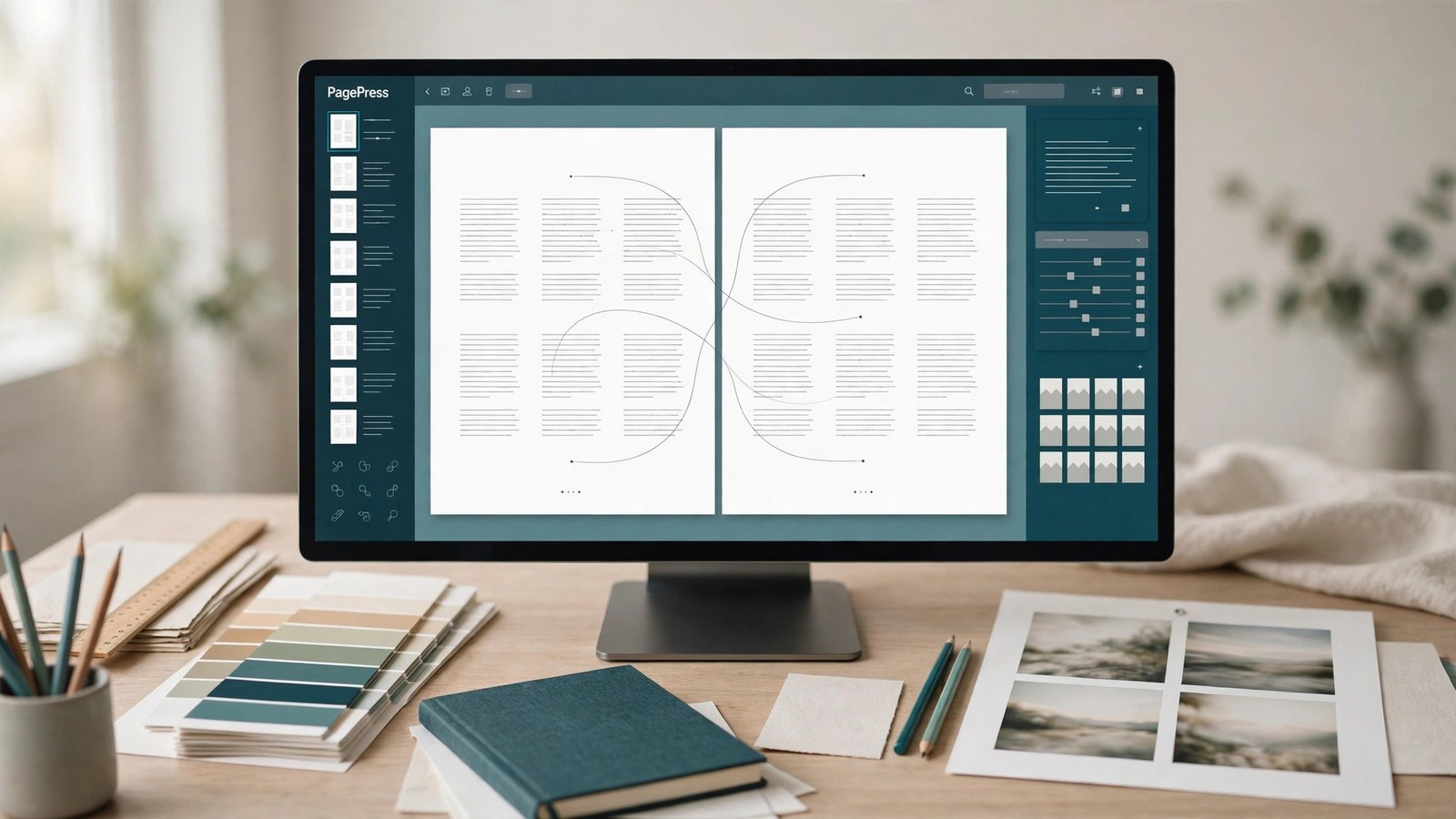
REPLACES ADOBE INDESIGN for one price.
Real page layout, without the subscription. Build multi-page documents the way layout software is supposed to work: master pages that stamp every page, text frames you link into chains so a long story flows from page to page, paragraph styles that update everywhere at once, placed images — and a print-ready PDF rendered from your layout itself, not from a screenshot of it.
PagePress is page layout; PageForge is CertSight's word processor — if you want a flowing document of paragraphs, that's PageForge; if you want pages, frames and masters, you're in the right place.
$39 one-time. No subscription. Yours forever.
Already bought it? Log in to open the tool.
What it does
- Documents with real pages. Letter, A4, Legal and more, portrait or landscape, your margins — add, remove and reorder pages.
- Master pages. Put a header, a footer or a rule on the master and it appears on every page that uses it. The page-number placeholder prints the actual number on each page. Edit the master once; every page updates.
- Linked text frames that flow. Chain frames together across pages and your story pours through them in order — overflow in frame one continues in frame two. Text that doesn't fit is counted and shown as overset, never silently dropped. Remove a frame and the story reflows.
- Paragraph styles. Heading, Subhead, Body, Caption — font, size, leading, alignment, spacing, colour. Change a style and every paragraph using it changes with it. Bold and italic runs inside paragraphs.
- Images and shapes. Upload PNG or JPEG images into the document and place them in frames with fit modes; rectangles and lines for rules, boxes and bands.
- Print-ready PDF, from the model. The exporter renders your document model itself: exact page size, embedded images, resolved page numbers. What the PDF says is what your layout says.
- Take your work with you. Export a package (your document model plus its images in one zip) and import it back into an editable document any time.
- Start from a real template. Newsletter, event flyer, booklet and business report starters — actual editable documents, not pictures of documents.
Product facts
NEW Beta Web
- Price: $39 one-time · Browser tool
- Version: 1.0.0 · Released 2026-11-09
- Verified platforms: Web
- System requirements: Web — any modern browser
- Privacy: Your documents, their images and their text are stored on CertSight scoped to your account; no other account can see them. Exports are generated on demand from your document and are not shared.
- Known limitations: RGB PDFs for screen and office printing: no CMYK or colour separations, no Pantone, and no crop, bleed or slug marks in the export. No .indd import or export, no data merge or mail merge, no GREP styles, no book files, no interactive PDF forms, and no facing-page spreads (single pages). Shapes are rectangles and lines — no pen or bezier tool. Character styling is bold and italic runs. Saving is explicit: there is no autosave in v1.
What PagePress does not do — stated plainly
- No CMYK or prepress separations. PDFs are RGB — right for screens and office printing, not a substitute for a print shop's colour workflow. No Pantone, and no crop, bleed or slug marks in the export.
- No .indd files. PagePress cannot open or save InDesign documents. Its own package format is how documents move.
- No data merge or mail merge, no GREP styles, no book files, and no interactive PDF forms in this version.
- Layout, not drawing. Shapes are rectangles and lines — there is no pen or bezier tool here (that's VectorVault's job), and DesignForge remains the pick for single-canvas social graphics.
- Saving is explicit. There is no autosave in this version: press Save in the editor, or unsaved edits are lost when you close it.