🎬 ResolveForge
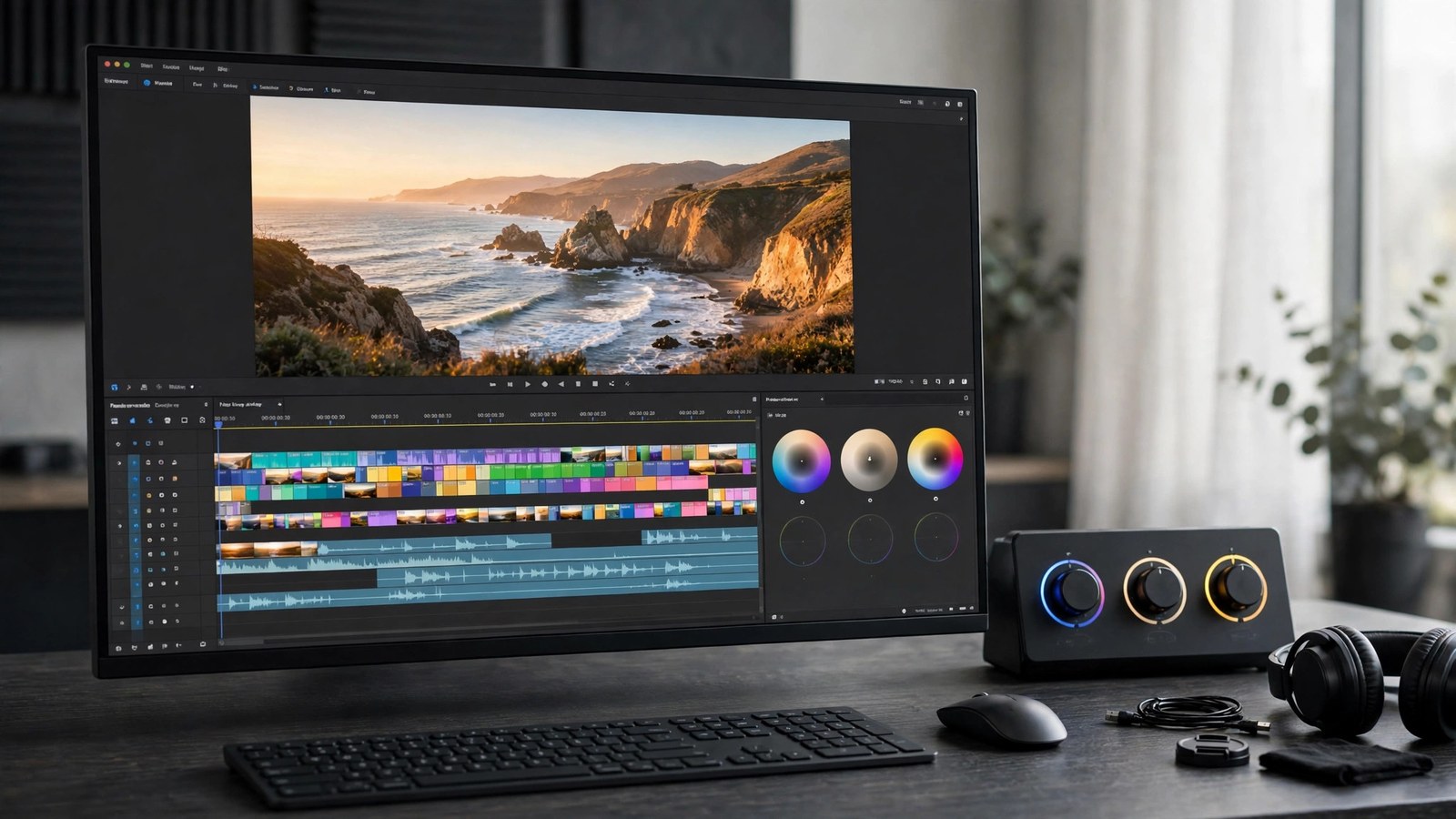
REPLACES DAVINCI RESOLVE STUDIO for one price.
A real multi-track timeline editor in your browser, without the subscription. Stack video and audio tracks, cut and ripple-edit clips, blend them with dissolves and wipes, correct colour per clip, mix audio with keyframed volume, and export a finished MP4 or WebM — rendered on your own machine, from the same math the preview shows you.
$49 one-time. No subscription. Yours forever.
Already bought it? Log in to open the editor.
What it does
- A multi-track timeline. Multiple video and audio tracks (add more as you need them) with lock, hide, mute and solo; clips placed from a media bin with in/out points; split at the playhead, edge trims, moves across time and tracks, toggleable snapping to the playhead, clip edges and markers, ripple delete and close-gap, named coloured markers, and fps-aware timecode (23.976–60 fps project rates).
- Transitions and titles. Cross-dissolve, dip-to-black and wipe transitions with configurable durations, plus title clips with web-safe fonts, size, colour, background box and position presets — rendered identically in the preview and the export, because both draw through one shared compositor.
- Per-clip colour correction. Exposure, contrast, saturation, temperature, tint and lift/gamma/gain, each with numeric readouts and reset — one colour graph used by both renderers, not two implementations that can drift apart.
- Audio mixing. Per-clip gain and fades, opacity and volume keyframes with linear interpolation, per-track gain and pan, master gain, and live meters driven by the actual playback graph. Export mixes down at 48 kHz.
- Your media never uploads. Files live in your browser's own storage (IndexedDB); editing and export happen on your device. Projects autosave locally, and a project exports/imports as JSON with media relinked by name, duration and size.
- Real exports. MP4 (H.264/AAC) or WebM at 720p, 1080p or source size, with a progress bar and cancel. When the fast WebCodecs path is unavailable, a clearly labelled real-time capture path is used instead — and the export line always reports the dimensions and codec actually produced.
Product facts
NEW Beta Web
- Price: $49 one-time · Browser tool
- Version: 1.0.0 · Released 2026-11-09
- Verified platforms: Web
- System requirements: Web — any modern browser
- Privacy: Your media and projects never leave your browser: files are stored in the browser's own IndexedDB storage on your device, editing and export run locally, and CertSight's servers store no ResolveForge media or project data at all.
- Known limitations: No node-based grading (colour is per-clip correction, not nodes); no Fusion-style VFX beyond titles and opacity; no neural/AI features (no magic mask, no voice isolation, no auto-captions — captions are ClipForge's feature); no HDR grading; no scopes (waveform / RGB parade / histogram are not in v1); no collaborative editing; no media management or consolidation; no .drp project import; timecode is non-drop-frame and timeline frame rates are capped at 60 fps; projects live in one browser's IndexedDB — moving one means exporting its JSON and relinking media by name, duration and size, and a different file with the same name, duration and size would relink wrongly.
What ResolveForge does not do — stated plainly
- Not DaVinci Resolve. No node-based grading — colour here is per-clip correction. No Fusion-style effects beyond titles and opacity, no HDR grading, and no scopes (waveform / RGB parade / histogram are not in this version).
- No AI features. No magic masks, no voice isolation, no automatic captions. Captions belong to ClipForge, the recorder — ResolveForge does not record your screen or webcam either; it edits files you already have.
- Not the quick tools. CutForge trims and converts single clips; ResolveForge is the full timeline editor for assembling a finished video from many clips.
- Browser-local by design. No collaborative editing and no cloud media library: projects and media stay on the device and browser you imported them in. Moving a project means exporting its JSON and relinking the same media files on the other machine.
- No Resolve project files. ResolveForge cannot open .drp projects, and its own JSON is its only project format.