🎨 VectorVault
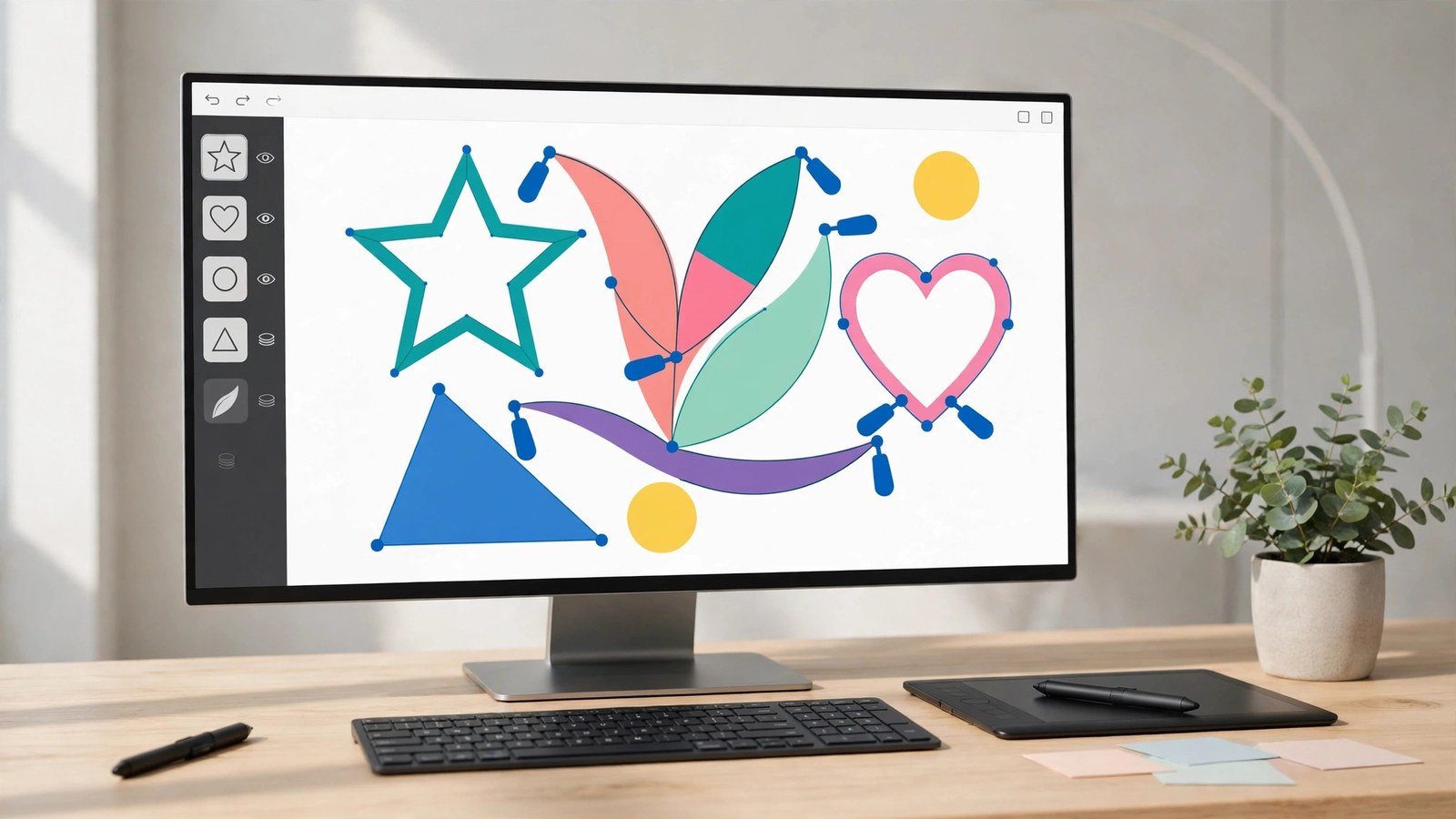
REPLACES ADOBE ILLUSTRATOR for one price.
A real vector editor in your browser, without the subscription. Draw logos, icons and illustrations as true vector geometry — shapes, freehand and Bezier paths you can edit node by node — arrange them in layers and groups, and export crisp SVG, PNG and PDF files that stay sharp at any size.
$49 one-time. No subscription. Yours forever.
Already bought it? Log in to open the tool.
What it does
- A real drawing canvas. Artboards in preset sizes (social square, story, logo canvas, letter) or any custom size, with zoom and pan, an optional grid, and snapping to the grid when you draw and drag.
- Shapes and paths. Rectangles (with corner radius), ellipses, lines, polygons and stars, a freehand pencil, and a Bezier pen — click to place anchor points, drag to pull out curve handles. Finished paths stay editable: select a path and move its anchors, adjust its handles, add or delete points.
- Fill, stroke and text. Fill and stroke colours with opacity, stroke width, no-fill / no-stroke toggles, a colour picker backed by a hex field — and text objects with size, bold and a web-safe font list.
- Layers, groups, alignment. A layers panel with named objects: raise, lower, duplicate, lock, hide, group and ungroup. Align and distribute multiple objects, drag to move, resize and rotate with handles or exact numeric fields.
- Projects that live here. Save projects to your account (autosave included), start from editable templates — a logo mark, a social post frame, a business card, an icon set — or import an existing SVG file.
- Exports that are the real thing. Download the standalone SVG (the vector document itself), a PNG rendered on the server at 1×, 2× or a custom width, or a one-page PDF.
Product facts
NEW Beta Web
- Price: $49 one-time · Browser tool
- Version: 1.0.0 · Released 2026-11-09
- Verified platforms: Web
- System requirements: Web — any modern browser
- Privacy: Your projects are stored on CertSight as SVG documents scoped to your account; no other account can see them. Imported SVG files are sanitized before storage (scripts, event handlers and external references are stripped).
- Known limitations: SVG is the only format (no .ai or .eps files); no image tracing or auto-vectorize; no CMYK, Pantone or print color management; no mesh gradients or blend-mode parity with Illustrator; no font uploads (a web-safe font list); imported SVG elements the editor cannot map are kept as a preserved group and are not node-editable; PNG/PDF export renders on the server and says so plainly if that renderer is unavailable.
What VectorVault does not do — stated plainly
- SVG is the format. VectorVault opens and saves SVG. It does not open or save Adobe Illustrator .ai files or EPS.
- No image tracing. There is no auto-vectorize: a photo or bitmap cannot be turned into paths automatically. Imported SVG elements that the editor cannot map stay grouped and preserved, but are not node-editable.
- No print colour management. Colours are screen colours (hex / RGB). No CMYK, no Pantone, no print proofing.
- Not the full Illustrator. No mesh gradients, no blend-mode parity, no font uploads — text uses a small web-safe font list.
- Not the photo tools. PhotoForge and DarkroomForge edit raster photos; DesignForge is the template layout tool. VectorVault is the precision-vector editor — its documents are geometry, not pixels.